

ShipThing Review - The Ultimate Next.js SaaS Boilerplate
Discover how ShipThing can accelerate your SaaS development with its production-ready Next.js boilerplate featuring auth, payments, i18n and more.
2 min read
Supabase is an open-source backend-as-a-service that provides real-time databases, authentication, and API services. It enables developers to build and scale applications quickly without managing server infrastructure.
ScanNerd is an innovative online SaaS tool designed to instantly convert your PDFs and images into realistic scanned copies. It eliminates the need for physical scanning hardware, offering a hassle-free solution for individuals and businesses looking to digitize documents with a professional, scanned appearance. Targeting anyone who needs to transform digital files into scanned-looking documents quickly and securely, ScanNerd simplifies a traditionally cumbersome process. Key Features Instant Conversion: Quickly transform PDFs and images into scanned copies without any hardware. Real-time Customization: Tweak effects like grayscale, border, shadow, brightness, contrast, blur, noise, and rotation in real-time. Privacy First: All processing occurs locally on your device, ensuring no cloud uploads or data leaks. High Efficiency: Built with advanced web technology, allowing for quick file processing and export in seconds. Mobile-Friendly: Accessible and fully functional on any device via a modern web browser. Cost-Saving: A free tool that helps reduce expenses on printing equipment and consumables. Use Cases ScanNerd is ideal for a variety of scenarios. For professionals, it can be used to give digital contracts, invoices, or reports a more authentic, "scanned" look for formal submissions without the need for a physical scanner. Students can use it to make digital notes or assignments appear as if they were handwritten and scanned, adding a personal touch or meeting specific submission requirements. Furthermore, it's perfect for creating mockups or presentations where a scanned document aesthetic is desired. Businesses can leverage ScanNerd to quickly process and standardize the appearance of various digital documents, ensuring consistency across their operations while maintaining data privacy by keeping all files on the user's device. Pricing Information ScanNerd is completely free to use, offering full functionality without any hidden costs or subscription requirements. There is no signup required to get started, making it an accessible tool for everyone. User Experience and Support The platform boasts a user-friendly interface, allowing users to simply drag and drop or click to upload files. The real-time preview feature enables immediate feedback on effect adjustments, ensuring the final output meets specific needs. The process is streamlined into three simple steps: Add Files, Meet Your Needs (customize), and Export. Being mobile-friendly, it ensures a consistent experience across different devices. While specific support channels aren't detailed, the intuitive design aims to minimize the need for extensive support. Technical Details ScanNerd is built using an advanced web-based tech stack, ensuring fast and efficient processing directly within your browser. This client-side processing is key to its privacy-first approach, as files never leave your device. Pros and Cons Pros: Completely free to use. No hardware required. Privacy-focused (local processing). Highly customizable scanned effects. Fast and efficient conversion. Mobile and browser compatible. User-friendly interface. Cons: Maximum 5 files per upload session. No explicit mention of advanced batch processing. Limited information on direct customer support channels. Conclusion ScanNerd offers a powerful, free, and privacy-conscious solution for transforming digital documents and images into scanned copies with ease. Its real-time customization and local processing make it a standout tool for anyone seeking efficiency and control over their document aesthetics. Get your first scanned copy in minutes and experience the simplicity firsthand!
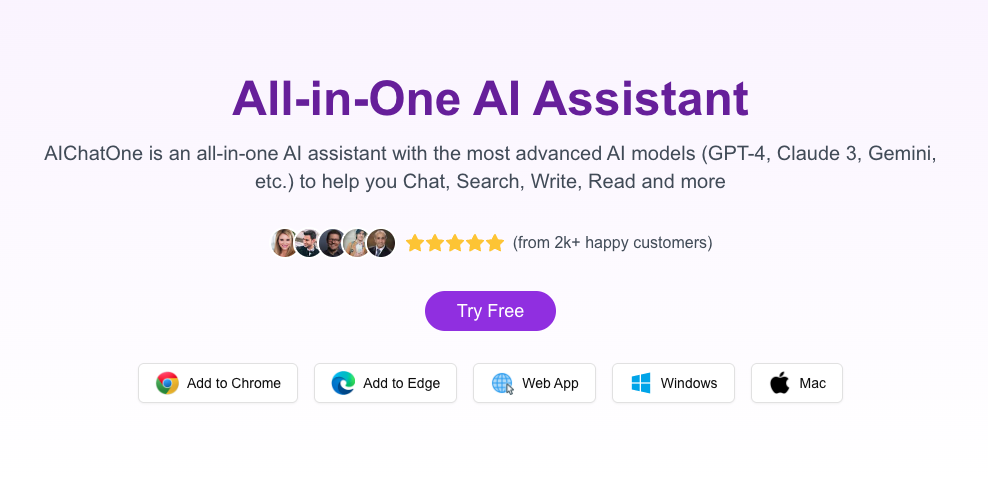
AIChatOne is a comprehensive, all-in-one AI assistant designed to revolutionize how users interact with artificial intelligence. It integrates the most advanced AI models, such as GPT-5, Claude 4, and Gemini, to facilitate a wide range of tasks including chatting, searching, writing, and reading. This powerful platform is ideal for individuals, content creators, developers, and businesses seeking to enhance productivity, streamline workflows, and leverage multiple AI capabilities from a single, privacy-focused interface. Key Features: Multiple AI Models: Access over 30 diverse AI models for varied capabilities. Web Access & AI Search: Integrate real-time web information and get AI-powered search results. Custom AI Characters & Prompt Library: Create personalized AI personas and utilize a vast library of pre-written prompts. Chat Organization: Organize conversations with folders and provide context by uploading documents. Speech to Text: Convert spoken words into text with high accuracy. Enhanced Privacy: API keys encrypted locally, no in-app analytics, direct communication with AI providers. Use Cases: AIChatOne excels in various scenarios, from content creation (drafting social media posts for Twitter/Reddit, generating ideas) to research and information retrieval (AI Search, summarizing web pages/YouTube videos). Its multi-model access and organizational tools like chat folders and prompt libraries significantly boost creative output, streamline project management, and enhance information analysis for professionals and researchers alike. Pricing Information: AIChatOne offers a freemium model, including a Free plan with 2,000 AI credits per month. Paid plans (AI Credits Pro, Ultra, Max) range from $3.99 to $16.9/month, providing increased credits and access to advanced AI models. A Lifetime Premium option is available for a one-time payment of $24.9, requiring separate AI credit purchases or users to bring their own API keys. User Experience and Support: Users praise AIChatOne for its intuitive and user-friendly interface, highlighting features like chat folders and custom personas for improving organization and delivering better results. The platform is described as polished and easy to navigate, enhancing the overall user experience. An FAQ section is available for common queries. Technical Details: AIChatOne prioritizes user privacy and security by encrypting API keys locally and avoiding in-app analytics or middle servers, ensuring direct communication with AI providers. Its functionality as a browser extension and web-based platform implies standard web technologies. Pros: Access to 30+ advanced AI models from a single interface. Strong emphasis on user privacy and data security. Excellent organizational features (chat folders, custom AI characters). Real-time web access and AI search capabilities. Cost-effective alternative to multiple individual AI subscriptions. Cons: Lifetime Premium requires separate AI credit purchases or users to bring their own keys. No explicit mention of dedicated live customer support. The extensive feature set might have a slight learning curve for some users. Conclusion: AIChatOne stands out as a powerful, privacy-conscious, and highly organized AI assistant that consolidates the best of AI technology into one seamless platform. Its extensive features and multi-model access make it an indispensable tool for anyone looking to maximize their productivity and creativity with artificial intelligence. Explore AIChatOne today to transform your AI interactions.
Subscribe to our newsletter to get the best products weekly.